You Capture.We Deliver.Cloud Sharing.
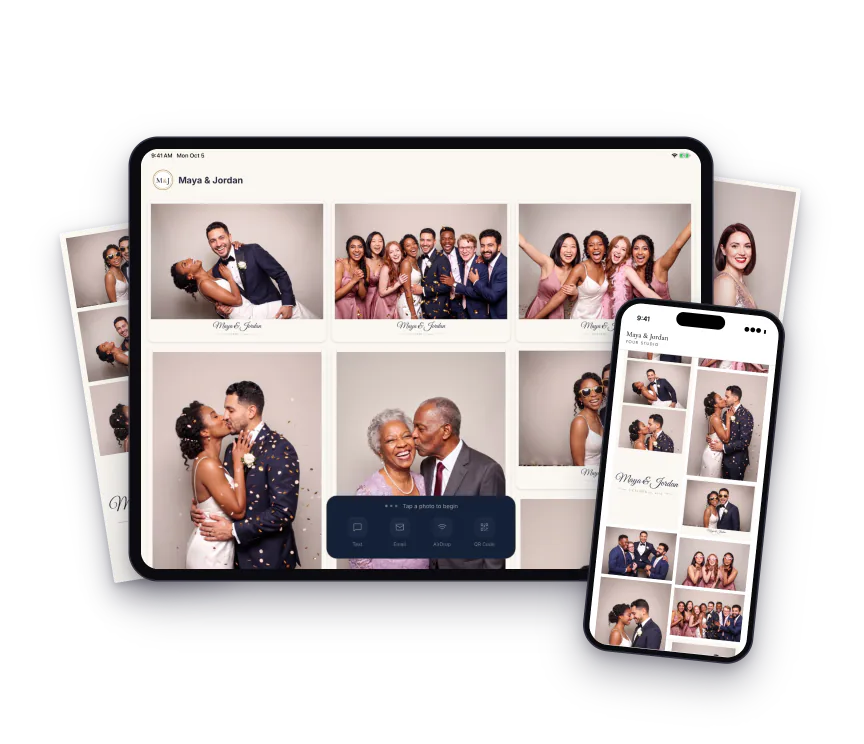
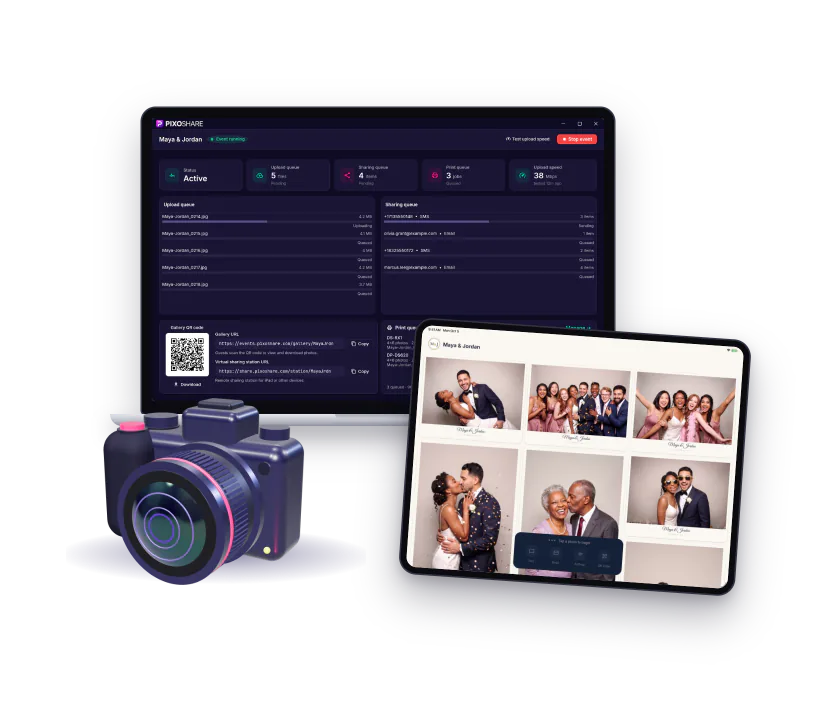
Built for photo booth operators and event photographers. Guests pick their photos on an iPad and get them by text, email, QR code or AirDrop. Works with most software that saves to a folder.
By starting a trial you agree to our Terms of Service and Privacy Policy.
Works with all major photo booth software
Three Steps. Zero Friction.
From your booth or camera to the guest's phone in seconds.
Step 1
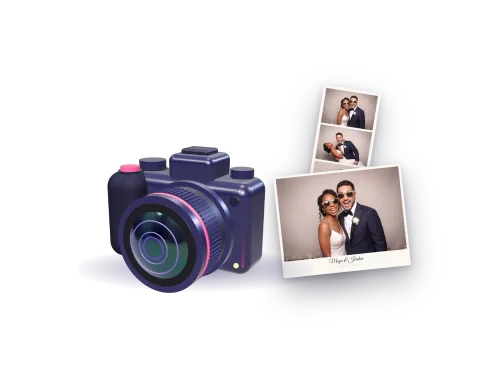
Capture
Keep your photo booth software or camera. PixoShare watches the folder it saves to.
Step 2
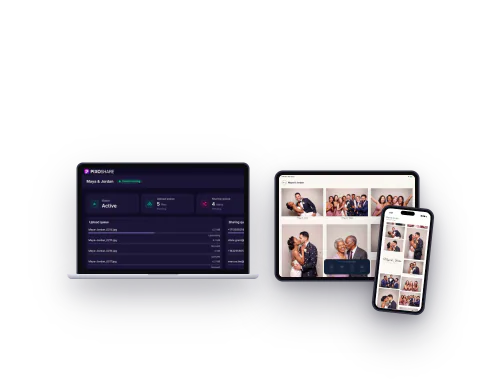
Sync
Every photo reaches your iPads and the online gallery in seconds.
Step 3
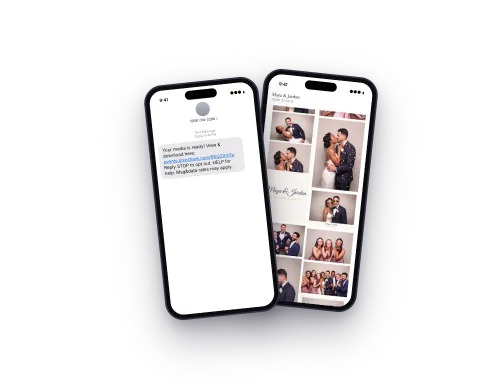
Share
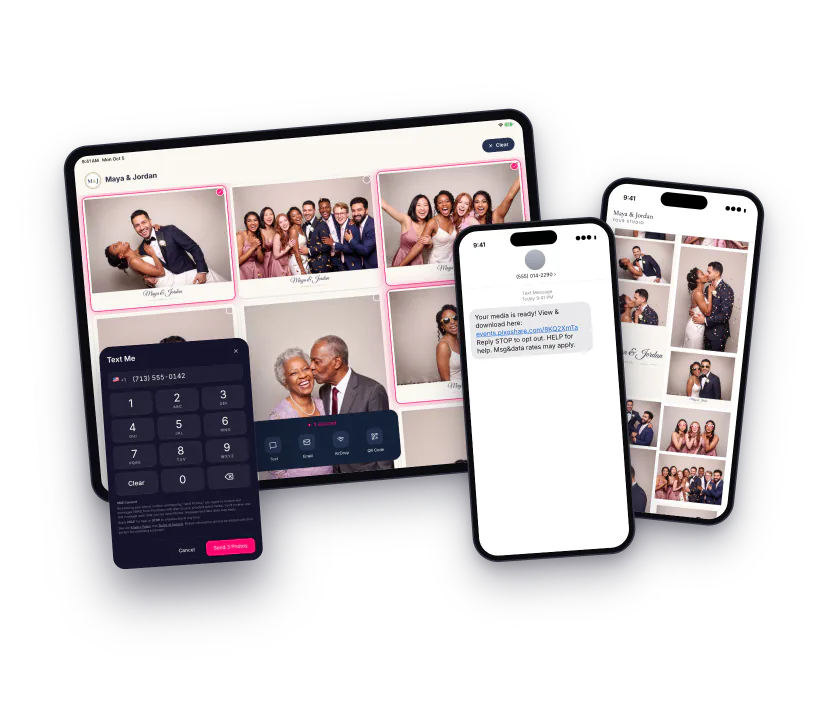
Guests pick their photos and get one link by text, email or QR code.
Made for Photographers Too
Shoot the way you always do. Guests get their photos during the event, and your client gets a gallery that looks like your brand.
Share While You Shoot
Tether your camera to a Windows laptop. Every JPEG it saves reaches the iPad station and the gallery in seconds.
Client Galleries
Ready-made looks, a full-screen viewer and Download all for your client.
Passwords & Gallery HubPro
Add a Booth to Your Packages
Run a photo booth with your favorite photo booth software on the same account, and sell it as an add-on.
Powerful Tools for Photo Booth Owners
Made for photographers too! Everything from the camera to the guest’s phone.
Sharing Station
Guests tap their photos on the iPad, or on any tablet with the Web Sharing Station, and get them all in one link by text, email, AirDrop or QR code.
- Several photos, one link
- Text, email, AirDrop and QR
- As many iPads as the event needs
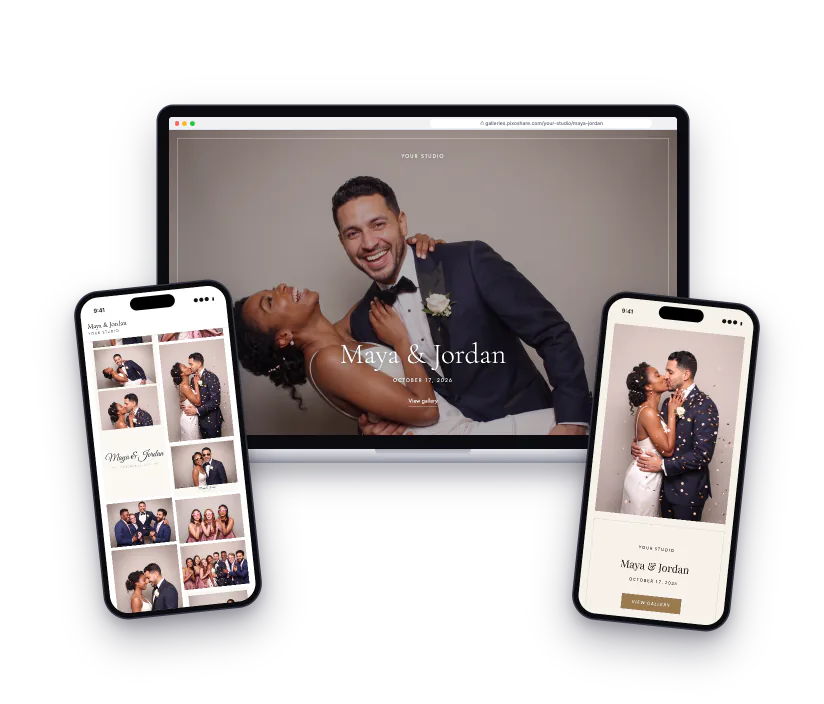
Professional Galleries
Pick a ready-made look and every event gets a gallery with a cover, a full-screen viewer and your studio name. Your client gets their own gallery with Download all.
- Seven ready-made looks
- Live Gallery for guests, Client Gallery for your client
- Gallery Hub: all your events on one pagePro
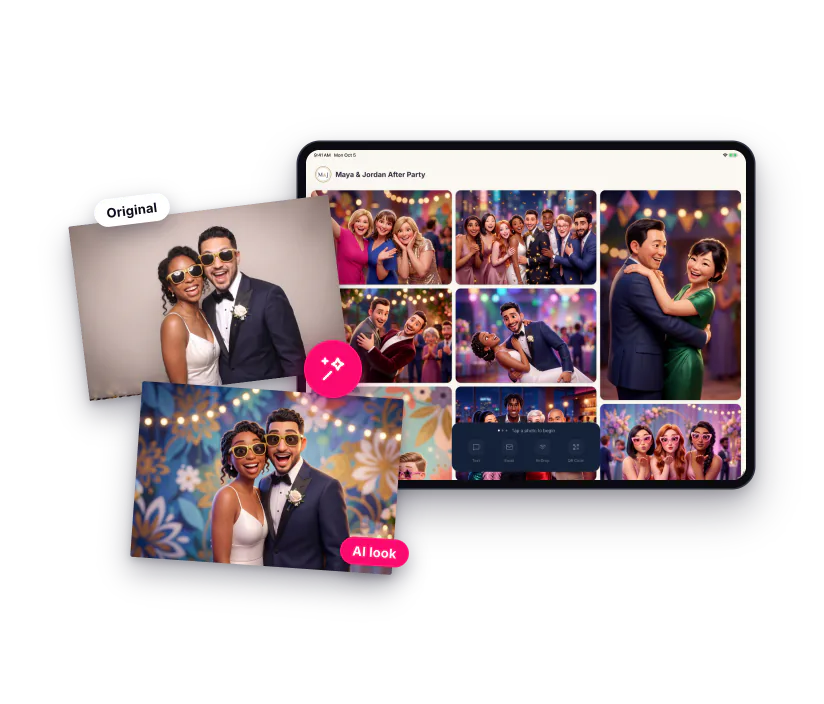
AI Effects
Pick one of 24 styles and every photo at the event gets the look, from the station to the gallery. Something new to sell to your clients.
- 24 styles, from 3D movie characters to magazine covers
- Every photo, automatically
- Buy credits as you need them
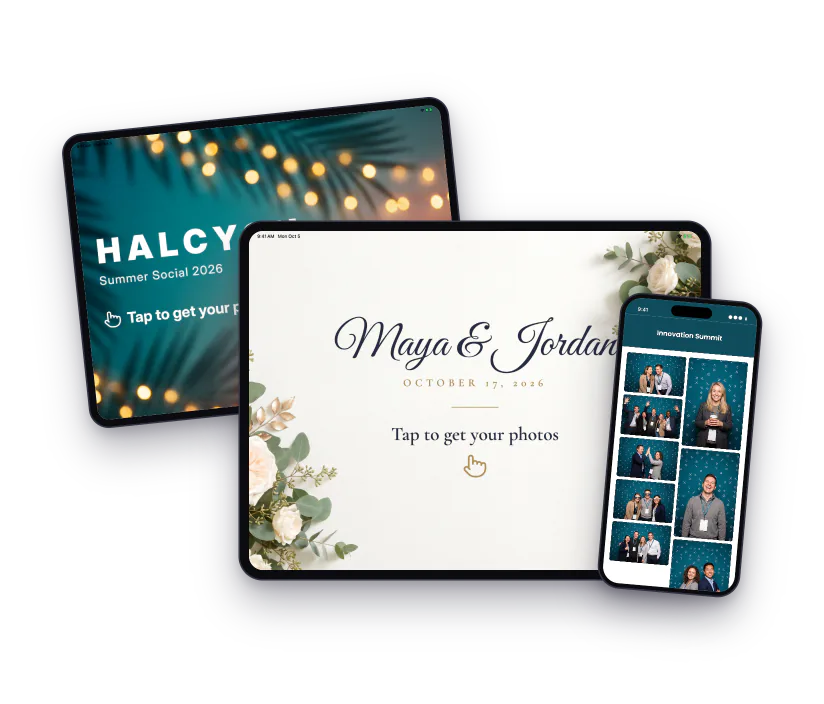
Your Brand EverywherePro
Your logo and colors on the station, an attract screen between guests, and galleries and emails that match the event.
- Logo and colors on the station
- Attract screens that say "Tap to get your photos"
- Branded galleries and emails
Works with Your Setup
Any photo booth software or camera that saves to a folder on your PC. PixoShare for Windows sends every photo on, and the iPad joins over Wi-Fi or straight from the cloud.
- Folder watching for photo booth software and cameras
- Booth printing
- Keeps going when the venue internet drops
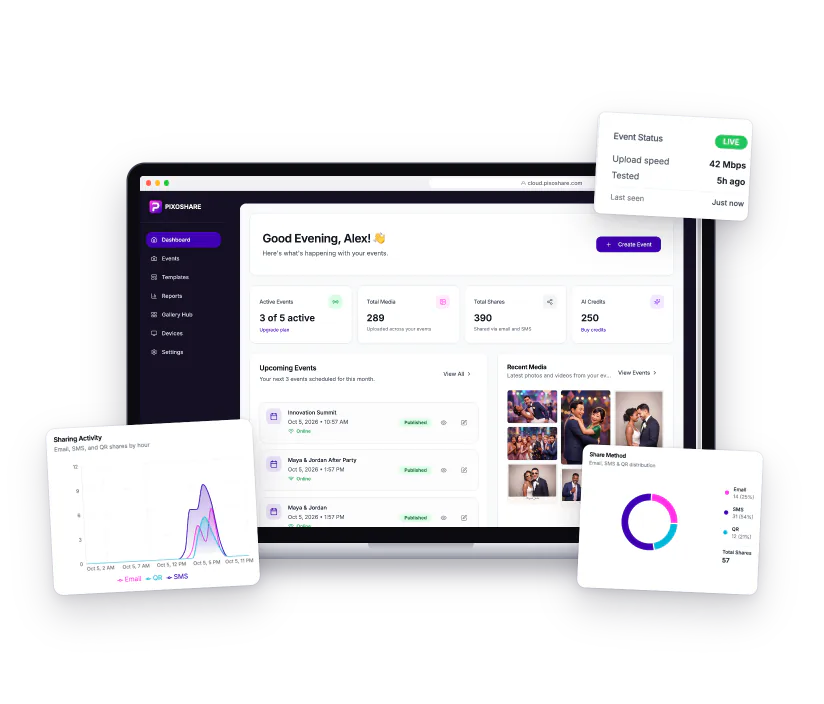
Event Dashboard
See each event's photos, shares and booth status as the night goes on, and keep every link your guests and clients need in one place.
- Every event, its links and its booth status
- Live charts of shares and downloadsPro
- A results page for your clientPro
And much more...
Powerful tools for every event. Explore the full feature set.
QR Code Sharing
One scan opens their photos. No typing.
TV Slideshow
New photos on a screen at the venue.
Client Reports
A results page you can send your client.
Email Templates
Branded emails with a drag-and-drop editor.
Password Galleries
Lock a gallery with a password.
My Photos
Every photo sent to a guest, on one page.
iPhone Photos & Video
HEIC photos and videos work everywhere.
Guest Contacts and Consent
Collect guest emails and phone numbers with your own consent text.
Frequently Asked Questions
Everything you need to know before getting started. Can't find what you're looking for? Contact support
Start Sharing Photos in Minutes
Set up in under 5 minutes. No credit card required. Works with most software that saves to a folder.
By starting a trial you agree to our Terms of Service and Privacy Policy.